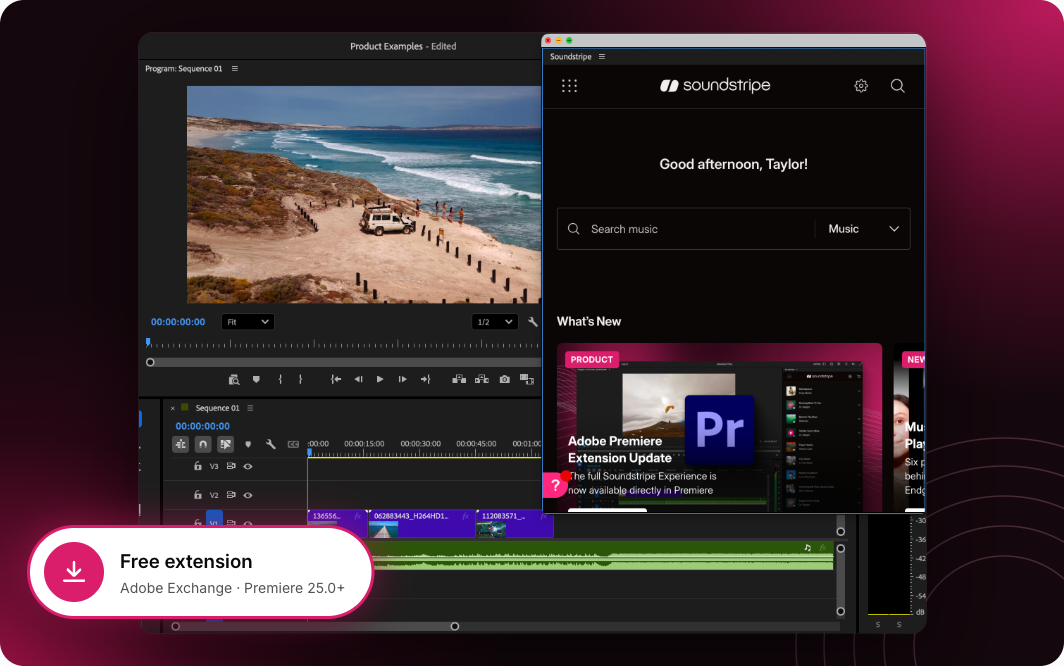
Soundstripe for Adobe Premiere

Your edit’s open. Keep it that way.

Find music by real artists, try it against your cut, and license it right inside Adobe Premiere. With music, sound effects, and stock video in the panel, your next creative decision is already in reach.

Requires Adobe Premiere 25.0 or later. Additional purchase required to unlock all features.
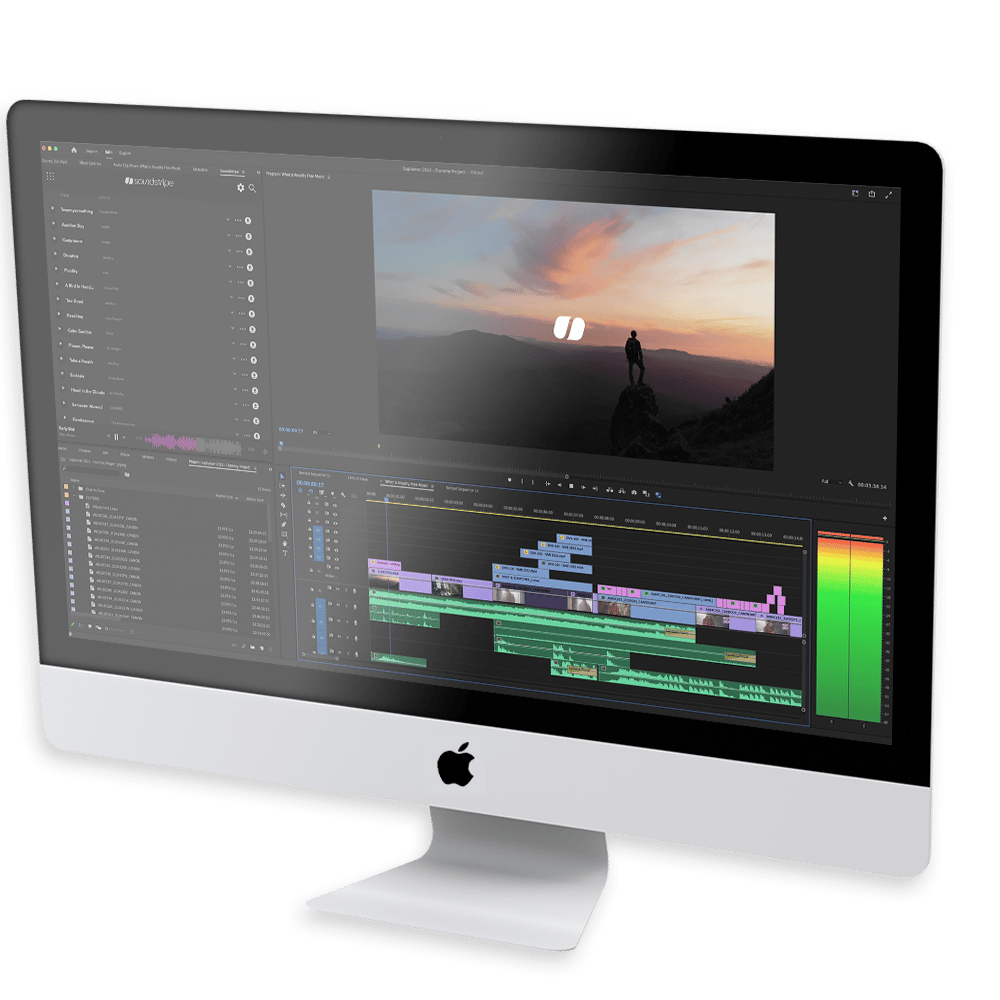
Soundstripe music panel inside Adobe Premiere

See it in action

Your best edit shouldn’t happen between tabs.

See how to find, preview, and license music inside Adobe Premiere.

Skip to features
Stay in your flow

Your best edit shouldn’t happen between tabs.

Searching in a browser, downloading files, and dragging them back into your project adds up. Soundstripe brings music, sound effects, and stock video into Adobe Premiere so you can make the call while you’re looking at your cut.

How it works

From first listen to your timeline.

  1. Premiere extension · Step 1 · Pink@1x

    Install and sign in

    Download the free extension from Adobe Exchange and sign in to your Soundstripe account. You’ll need Adobe Premiere 25.0 or later.
  2. Premiere extension · Step 2 · Indigo@1x

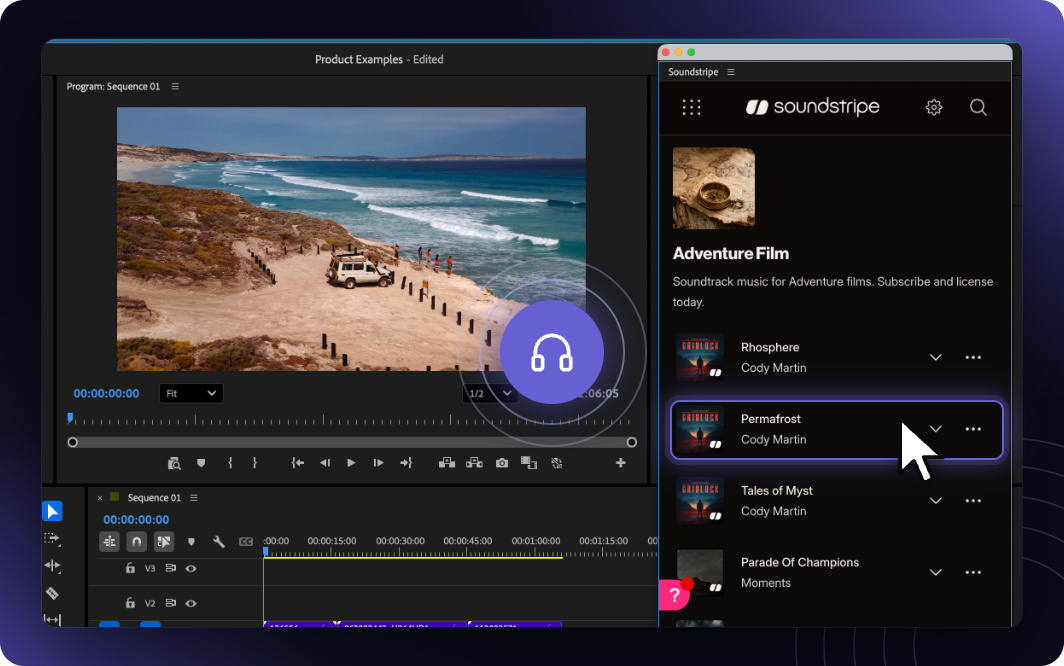
    Find it. Hear it in context.

    Browse the catalog, describe a vibe to Supe, or paste a Spotify reference. Try watermarked previews against your cut before you license.
  3. Premiere extension · Step 3 · Pink@1x

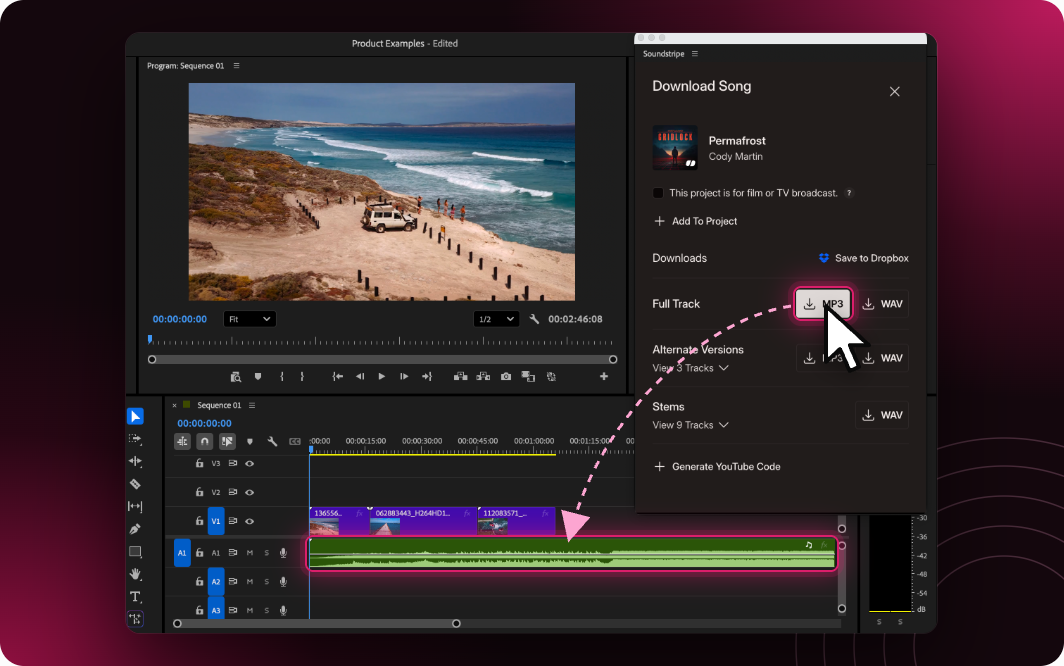
    License and bring it in

    License and import music, SFX, and video in two clicks. Unlock full functionality with a single-song license or an eligible subscription. Not all plans include extension access.

Built for your editing flow

Less file juggling. More time for the cut.

Find the feeling with Supe

Describe what your scene needs in plain words. Supe finds tracks that fit, right inside the panel.

Start with a reference track

Paste a Spotify link into the music search bar to find songs with a similar sound.

Hear it against your cut

Drop a watermarked preview into your timeline with one click. Sync playback with your video to hear how the track lands.

Keep your edits when you license

License a song and the full-resolution version automatically replaces the preview, keeping your edits intact.

Keep every project organized

Save your picks by project and build playlists you can return to when the brief changes.

Your account, right in the panel

Sign in with email, Google, or Apple. Buy a single-song license, subscribe, or upgrade from the extension, with checkout completed securely in your browser.

New in version 2.0.1 · October 28, 2026

Add to your timeline without moving your edit.

New tracks. Your sequence stays put.

Downloads added to your timeline now go on a new track, so clips already in your sequence never move.

Video lands above your footage

Imported video goes on a new track above your existing footage so you can see it right away. Its sound gets a separate new audio track. Silent videos don’t leave an empty audio track.

You always know where your file went

If no sequence is open, Soundstripe tells you the file went to your Project panel. “Add files to the timeline” is on by default; turn it off in settings using the gear icon.

Soundstripe by the numbers

Real music, from real artists.

Built by musicians in Nashville, Soundstripe brings you music from Grammy-winning talent and rising independents. Supe helps you find the right track for the story you’re telling.

120K
tracks
1.5M
creators and creative teams
400B
video views
$13M+
paid to artists

FAQ

Before you hit play.

Is the extension free?

The extension is free to download, and you can preview and test tracks with watermarks. Additional purchase is required to unlock all features. License individual songs or choose an eligible Soundstripe subscription.

Which version of Adobe Premiere do I need?

The updated extension requires Adobe Premiere 25.0 or later.

Is the extension included in every Soundstripe plan?

No. Not all Soundstripe plans include the Adobe Premiere extension. Review the current plan details before subscribing or upgrading.

What can I search and import?

Find music by real artists, sound effects, and stock video inside the panel. Use Supe to search in plain words, or paste a Spotify link into the music search bar for reference-track results. Downloads and access depend on your purchase or plan.

What happens to my preview when I license a song?

The full-resolution track automatically replaces the watermarked preview while preserving the edits you’ve already made.

Where do imported files go?

With “Add files to the timeline” enabled, downloads are added on a new track. Video is placed above your existing footage, with audio on its own new track when present. If no sequence is open, the extension tells you the file went to your Project panel. You can turn timeline imports off in settings.

Find your soundtrack while you’re in the cut.