Stems + Alts
For when the track is almost perfect.
Stems and alternate versions let you pull a track apart and rebuild it around your edit. Mute the vocals, keep the drums, or grab a version that's already closer to what you need.
See it in action
You should not have to start your search over.
Download stems, mute the vocals, and fit a track under dialogue.
You should not have to start your search over.
You finally find the right song, and then the edit starts pushing back. The vocal sits right on top of your voiceover, or the guitar is too busy under an interview. Usually that means starting the search over. It shouldn't.
How it works
Here is how Stems + Alts works
-
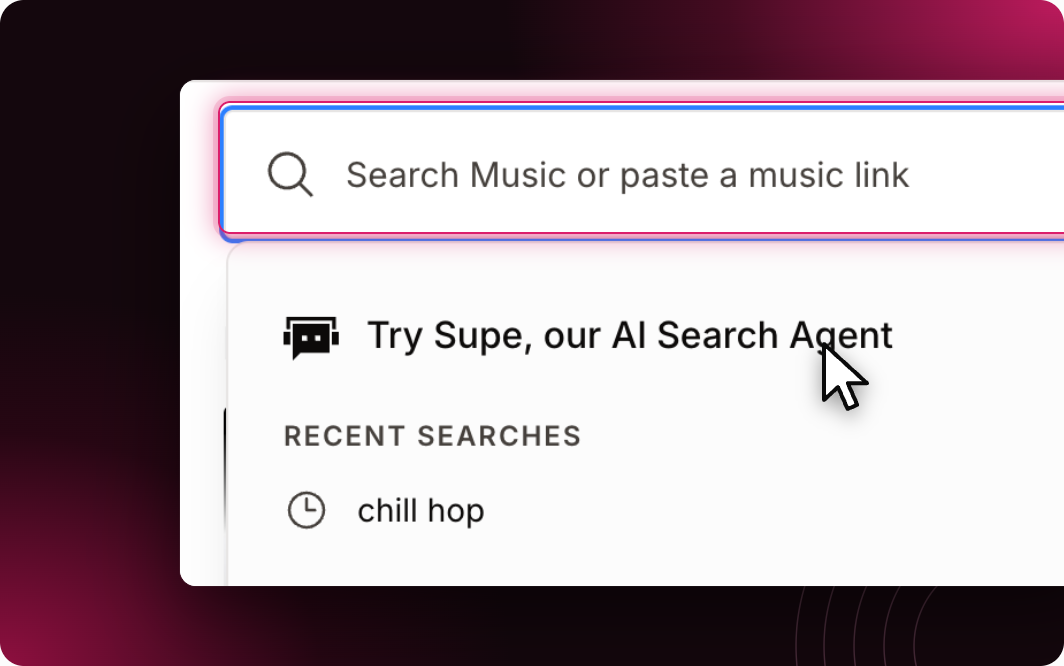
Find your track
Search like you normally would (or ask Supe).
-
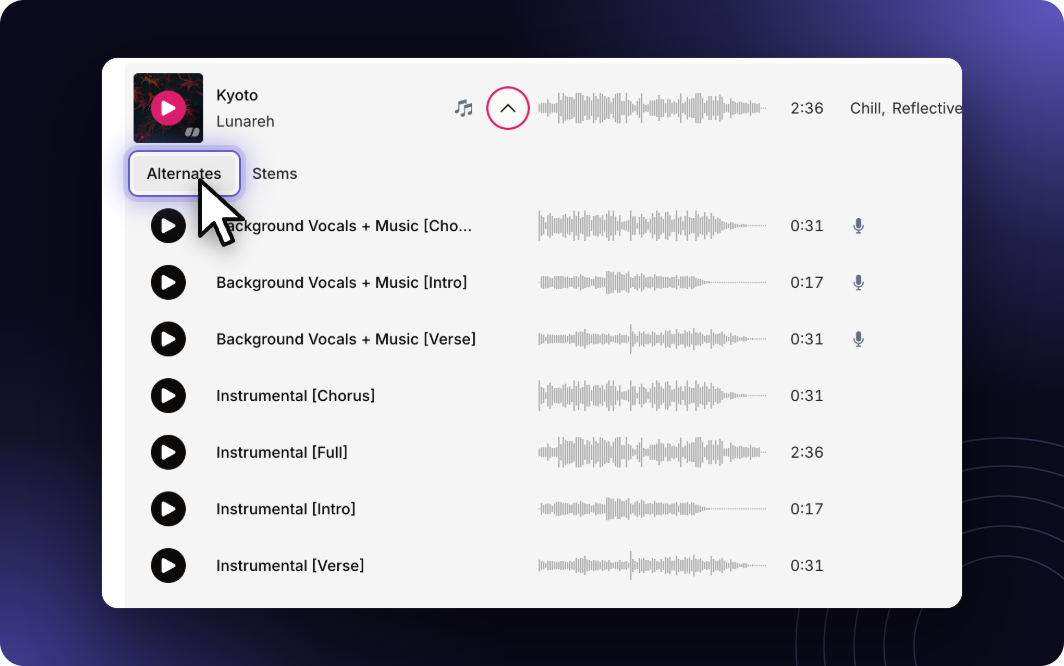
Check the versions
Open the track page to see the alternate versions available for it.
-
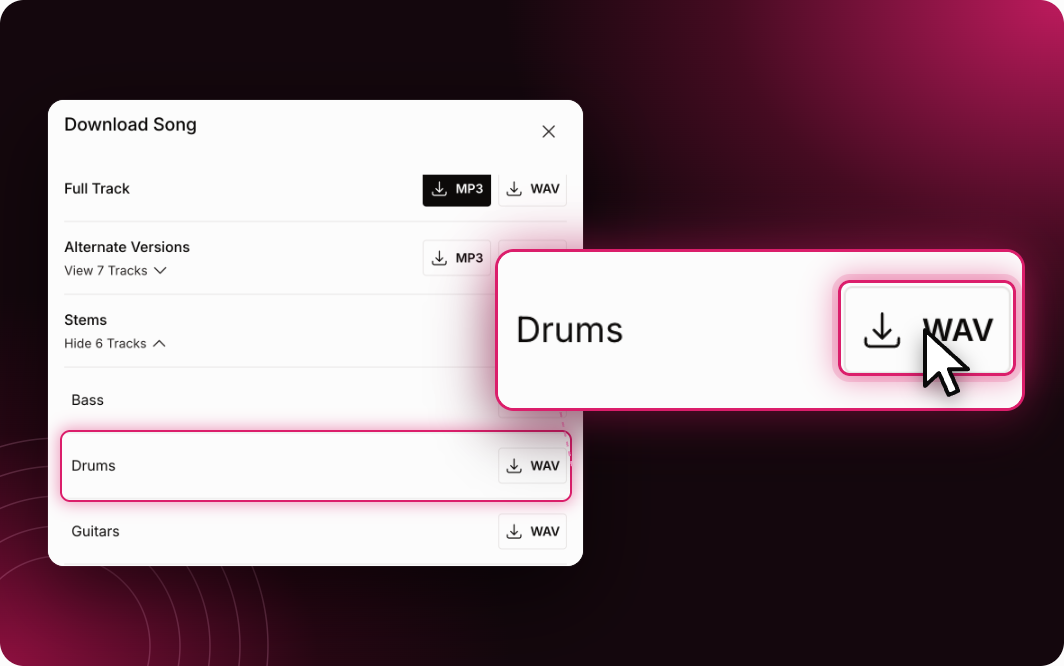
Grab the stems
When a track has stems (piano, bass, drums, guitar, and more), they're right in the download window.
-
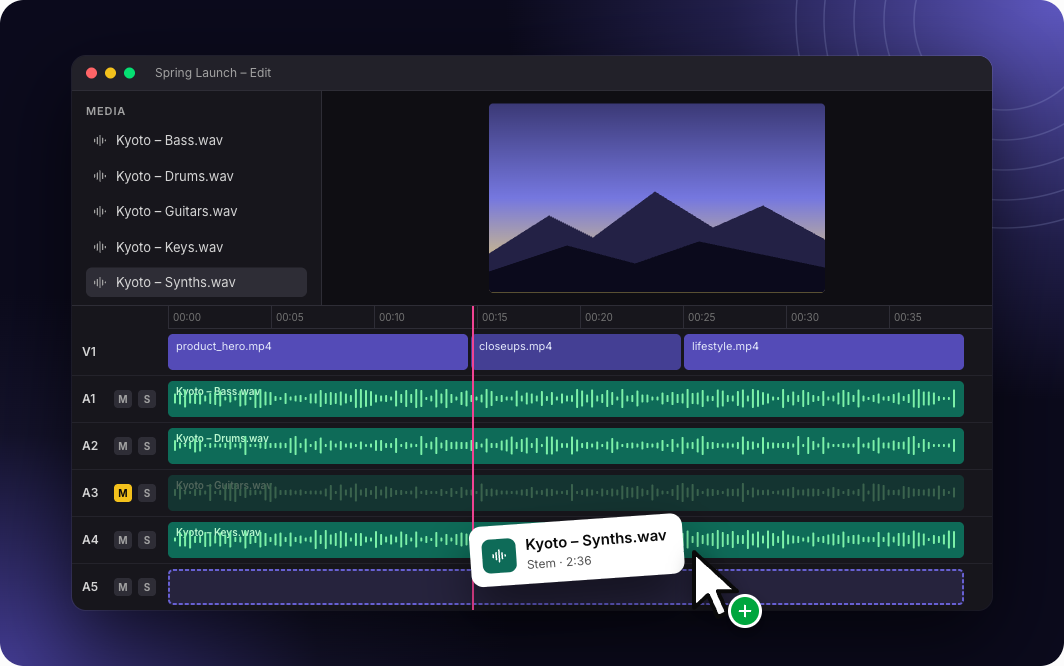
Build your mix
Drop the stems into your editor, mute what's in the way, and keep what works.
What teams are saying
The ability to download music stems to customize tracks even more than they already are is crucial to the way we create video.
Ben HillmanExecutive Producer, Paddle Studios
Soundstripe by the numbers
Real music, from real artists.
Every Soundstripe track in the catalog is made by real artists (Grammy winners included) and mixed in Nashville. The AI helps you find the music. It doesn't make it.
FAQ
A few things you might be wondering
What are stems?+
The individual parts of a track (drums, bass, piano, guitar, vocals) delivered as separate files, so you can mix them yourself.
Are stems and alts included in my plan?+
Any account can browse and preview them. Downloading full stems and alternate versions takes a paid plan.
Are stems licensed the same as the full track?+
Yes. They're part of the same track and covered by the same license.